
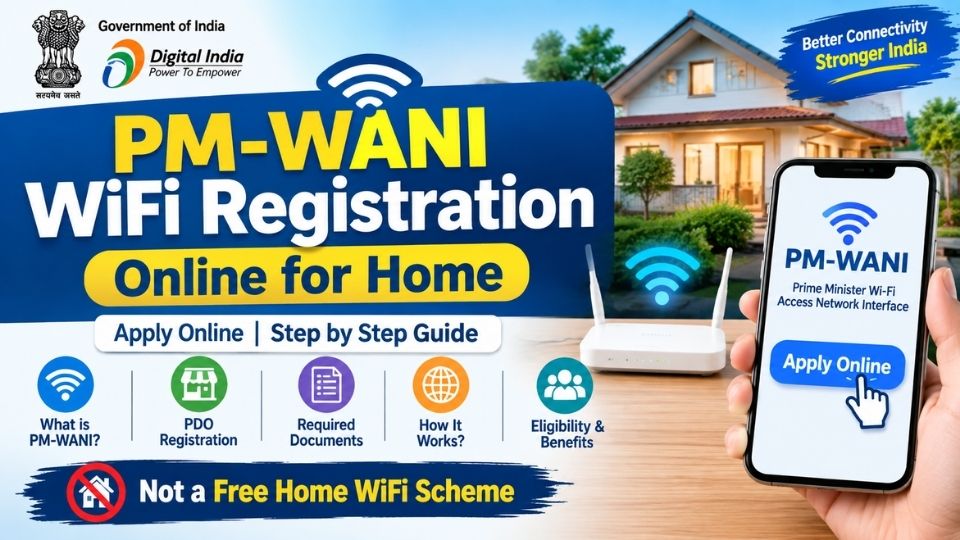
PM-WANI stands for Prime Minister Wi-Fi Access Network Interface. It is a Government of India framework designed to expand public Wi-Fi availability and make broadband internet access more accessible through public Wi-Fi hotspots.
Under the PM-WANI framework, local businesses and individuals can participate as Public Data Office (PDO) operators, where applicable, and provide Wi-Fi services to users.
One important point is that PM-WANI is not simply a government scheme that gives every household a free Wi-Fi connection. People searching for “PM WANI WiFi registration for home” should first understand whether they want to:
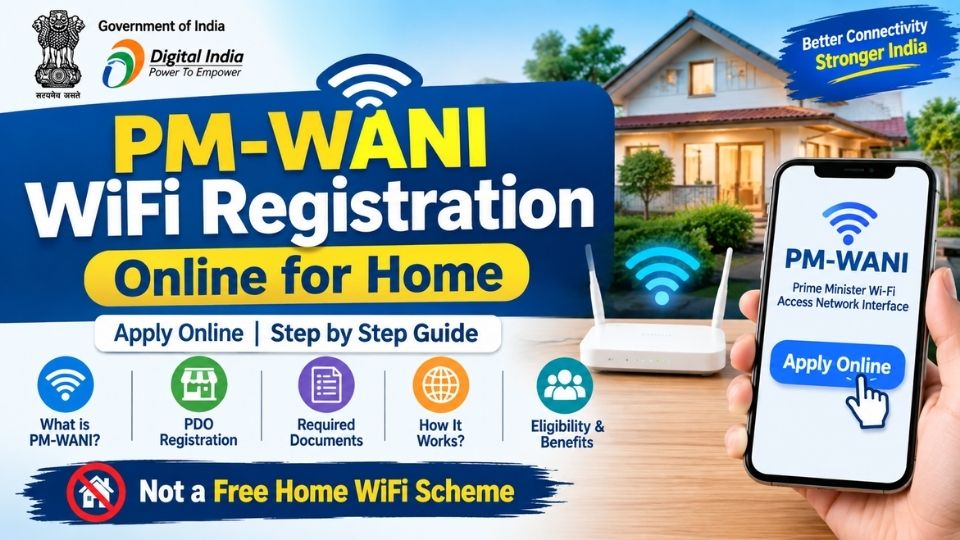
- Use PM-WANI Wi-Fi as an internet customer, or
- Set up a PM-WANI hotspot/business as a PDO.
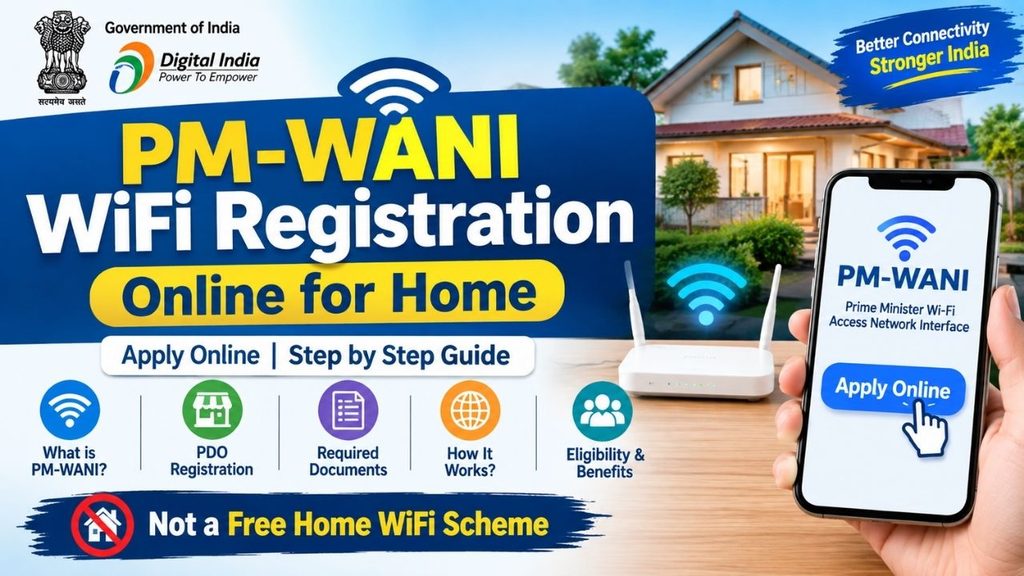
Can I Apply for PM-WANI Wi-Fi at Home?
PM-WANI is primarily designed around public Wi-Fi hotspots rather than a direct household broadband subsidy.
If your goal is to get internet for personal use at home, you generally need a normal broadband or fiber connection from an internet service provider.
However, if you want to operate a PM-WANI public Wi-Fi hotspot, the PDO model may allow eligible individuals or businesses to provide Wi-Fi services using an internet connection and suitable equipment.
PM-WANI at a Glance
| Details | Information |
|---|---|
| Full Form | Prime Minister Wi-Fi Access Network Interface |
| Purpose | Expand public Wi-Fi access |
| Wi-Fi Model | Public Wi-Fi hotspots |
| Key Operator | Public Data Office (PDO) |
| Users | People accessing participating Wi-Fi hotspots |
| Home Use | Not a general free-home-Wi-Fi scheme |
| Registration | Depends on whether you are a PDO, PDOA or user |
| Internet Connection | Required for operating a hotspot |
What is a Public Data Office (PDO)?
A Public Data Office (PDO) is an establishment or location that provides PM-WANI public Wi-Fi services.
For example, a small shop, local business, or other eligible location can potentially operate a Wi-Fi hotspot and provide internet access to customers/users.
The PDO generally works with a Public Data Office Aggregator (PDOA) for the required backend services.
PM-WANI Wi-Fi Registration Online: How It Works
If you want to establish a PM-WANI hotspot, the process is different from applying for a normal home broadband connection.
Step 1: Understand the PDO Model
First decide whether you want to:
- Use Wi-Fi as a customer, or
- Operate a public Wi-Fi hotspot.
If you want to operate a hotspot, you should look for a PM-WANI-compatible PDOA/service provider.
Step 2: Choose a PDOA
A PDO generally works with a PDOA (Public Data Office Aggregator).
The PDOA can provide the technology/platform required to operate and manage the hotspot.
Step 3: Arrange an Internet Connection
A suitable broadband/fiber internet connection is generally required to provide Wi-Fi service.
The available speed and quality will depend on the internet connection and network setup.
Step 4: Install Wi-Fi Equipment
The required Wi-Fi router/access point and other networking equipment can be installed at the location.
The exact equipment requirements can vary depending on the PDOA and technical setup.
Step 5: Configure the PM-WANI Hotspot
The PDOA/service provider can help configure the hotspot and connect it with the PM-WANI ecosystem.
Step 6: Start Providing Wi-Fi
After the hotspot is configured and activated, users can access the participating Wi-Fi network through the supported PM-WANI process.
Is PM-WANI Wi-Fi Free?
PM-WANI itself should not be described as a free Wi-Fi scheme for every household.
The PM-WANI framework facilitates public Wi-Fi access. The actual internet service, pricing, plans and operating arrangements can depend on the PDO/PDOA and service provider.
Therefore, users should check the applicable plan and charges before purchasing Wi-Fi access.
Documents and Requirements
Requirements can vary depending on the PDOA and business arrangement. Common requirements may include:
- Mobile number
- Identity details
- Address/location details
- Bank/payment details where applicable
- Internet connection
- Wi-Fi router/access point
- Suitable location for the hotspot
- PDOA registration/onboarding details
Always verify the current requirements with the relevant PM-WANI service provider before submitting personal information.
PM-WANI Wi-Fi for Home: Important Information
If you are searching for “PM WANI WiFi registration online for home”, keep these points in mind:
- PM-WANI is primarily a public Wi-Fi framework.
- It does not mean that every household receives a free Wi-Fi connection.
- A person interested in providing Wi-Fi can explore the PDO model.
- A broadband/fiber internet connection may be required for operating a hotspot.
- A PDO normally works with a PDOA.
- Charges for users can depend on the service and provider.
- Registration procedures and service availability can change over time.
PM-WANI vs Normal Home Broadband
| Feature | PM-WANI | Normal Home Broadband |
|---|---|---|
| Main Purpose | Public Wi-Fi access | Private household internet |
| Typical Location | Public/business location | Home |
| Operator | PDO/PDOA ecosystem | Internet Service Provider |
| User Access | Public hotspot users | Household members |
| Free by Government? | Not automatically | No |
| Suitable for Personal Home Internet | Not primarily | Yes |
Frequently Asked Questions
1. What is PM-WANI?
PM-WANI is the Prime Minister Wi-Fi Access Network Interface, a framework intended to expand public Wi-Fi availability in India.
2. Can I get free Wi-Fi at home through PM-WANI?
PM-WANI should not be considered a general government scheme providing free home broadband to every household.
3. Can I operate a PM-WANI Wi-Fi hotspot?
Individuals or businesses can explore becoming a Public Data Office (PDO) and work with a suitable PDOA/service provider.
4. Do I need an internet connection to provide Wi-Fi?
A suitable internet connection is generally needed to provide internet access through a Wi-Fi hotspot.
5. Is PM-WANI the same as home broadband?
No. PM-WANI focuses on public Wi-Fi access, while home broadband is normally a private internet connection for a household.
Conclusion
PM-WANI Wi-Fi is an important initiative aimed at expanding public Wi-Fi access across India. However, users should be careful about websites or advertisements claiming that the government provides free PM-WANI Wi-Fi directly to every home.
If your objective is to provide Wi-Fi to customers or visitors, you can explore the PM-WANI PDO model and available PDOA services. If you simply need internet for your own home, a regular broadband or fiber connection is generally the appropriate option.
Note: Registration procedures, participating service providers, pricing and technical requirements may change. Check the latest information from official government/PM-WANI sources before paying any registration or equipment charges.