
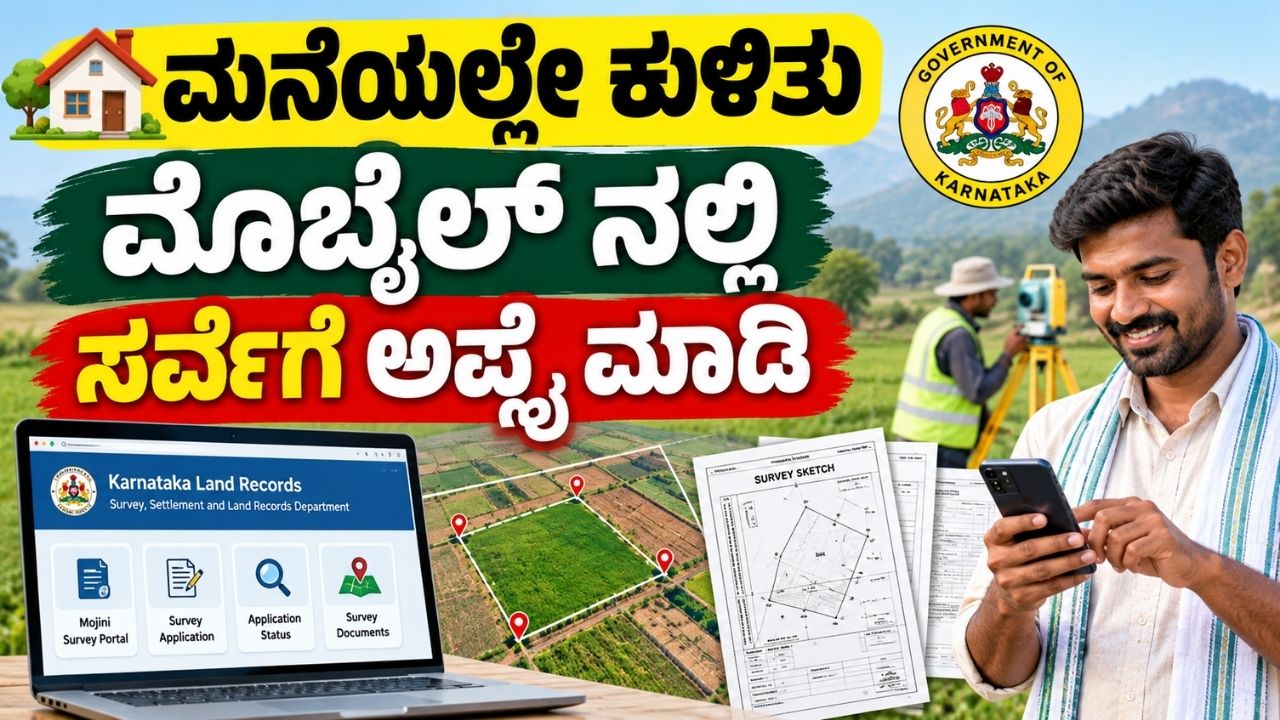
Are you looking for Survey Application Online Karnataka to measure your land, check property boundaries, or obtain a survey sketch? The Karnataka government provides online land survey and survey document services through its Survey, Settlement and Land Records Department.
Using the official Mojini portal and Karnataka Bhoomi land records portal, citizens can access relevant survey services, check application progress, and find land-related documents. The exact process depends on whether you need a new land survey, boundary measurement, land subdivision, or a copy of an existing survey document.
In this article, we explain how to apply for a land survey online in Karnataka, the documents required, and how to check your application status.
What Is Survey Application Online Karnataka?
A land survey application is a request submitted to the concerned department to measure land, identify property boundaries, prepare survey sketches, or carry out eligible land subdivision work.
In Karnataka, the Survey, Settlement and Land Records Department manages survey-related services. The Mojini system supports the processing of survey applications and related sketches. The Bhoomi portal provides access to land records such as RTC (Pahani), mutation details, and certain survey documents.
Official websites:
- Karnataka Land Records (Bhoomi): https://landrecords.karnataka.gov.in/
- Mojini Survey Portal: https://bhoomojini.karnataka.gov.in/
How to Apply for Land Survey Online in Karnataka
Follow these general steps to find and submit the appropriate survey application.
Step 1: Visit the Official Karnataka Land Records Website
Open the official Karnataka Land Records website:
https://landrecords.karnataka.gov.in
Look for the available survey services or the link to the Mojini portal. Use the official government website to avoid unofficial application or payment pages.
Step 2: Open the Mojini Portal
Visit the official Mojini website:
https://bhoomojini.karnataka.gov.in
Find the relevant citizen service or survey application option. The available options may differ depending on the type of survey service you require.
Step 3: Select the Required Survey Service
Choose the service that matches your requirement. Depending on eligibility and availability, survey-related services may include:
- Land boundary measurement
- Land subdivision or Phodi survey
- Pre-mutation sketch (11E sketch)
- Hadbast survey
- Survey document requests
Select the appropriate service and read the instructions before proceeding.
Step 4: Enter Your Land Details
Provide the required property information in the application form. Keep the following details ready:
- District
- Taluk
- Hobli
- Village
- Survey number
- Surnoc and Hissa number, if applicable
- Applicant details and contact information
Check all details carefully before submitting the application.
Step 5: Upload the Required Documents
Upload the documents requested for your selected service. These may include your RTC (Pahani), ownership or registered deed documents, identity details, and other supporting records.
The exact requirements depend on the type of survey application and the department’s instructions.
Step 6: Pay the Applicable Fee
If the selected service requires payment, pay the prescribed fee using the payment method available on the official portal.
Important: Survey fees can vary by service and circumstances. Check the amount displayed on the official portal instead of relying on an unverified fixed fee.
Step 7: Submit the Application
Review your application, submit it, and save the acknowledgement or application reference number.
Keep this number safe because you may need it to check the status of your application or follow up with the concerned office.
Documents Required for a Land Survey in Karnataka
The documents required depend on the survey service. Commonly requested documents include:
- Latest RTC (Pahani), where applicable.
- Registered sale deed or other ownership documents.
- Applicant’s identity details.
- Survey number and property location details.
- Existing survey sketch or land map, if available.
- Relevant supporting documents for subdivision or boundary-related requests.
The department may request additional documents depending on the application. Verify the official requirements before submitting.
How to Check Karnataka Land Survey Application Status Online
After submitting your application, you can check its progress through the official Mojini system, where the relevant status service is available.
Follow these steps:
- Visit https://bhoomojini.karnataka.gov.in/
- Look for the application status or survey status option.
- Enter the requested reference number or other required details.
- Submit the information.
- Review the status displayed on the portal.
Keep your application acknowledgement number available. If the status is unavailable or your application remains pending, contact the concerned taluk survey office for assistance.
How to Download Karnataka Land Survey Documents Online
If you already have land records and need a copy of an existing survey document, you may not need to submit a fresh land measurement application.
Visit the official Karnataka Land Records portal at https://landrecords.karnataka.gov.in/ and look for the relevant Survey (SSLR) Services.
Depending on availability, you may find options to view or request documents such as:
- Tippan
- Pakka Book
- Akarband
- Survey Atlas
- Field Measurement Book (FMB)
- Other applicable survey sketches
Some documents may be available for viewing, while obtaining an official copy may require a request and payment. Follow the instructions provided on the portal.
Difference Between Bhoomi and Mojini
| Feature | Bhoomi Portal | Mojini Portal |
|---|---|---|
| Main purpose | Land records management | Survey applications and related survey services |
| RTC / Pahani | Yes | Not its primary purpose |
| Mutation information | Available through relevant services | May support related survey workflows |
| Survey sketches | Certain survey document services | Survey application and sketch-related services |
| Land measurement requests | Depends on the service | Relevant survey services may be available |
Both systems serve different purposes within Karnataka’s land administration. Choose the portal based on the service you need.
Important Points Before Applying for a Land Survey
Before submitting your application, remember these points:
- Confirm the survey number and village details.
- Check whether your requirement is for a new survey or an existing document.
- Ensure the uploaded documents are clear and accurate.
- Save the acknowledgement number and payment receipt.
- Check application status through the official portal.
- Contact your taluk survey office if further clarification or physical verification is required.
Online submission does not guarantee immediate survey completion. Processing time depends on the service, document verification, surveyor availability, and other departmental procedures.
Frequently Asked Questions (FAQs)
1. How can I apply for a land survey online in Karnataka?
Visit the official Karnataka Land Records website at https://landrecords.karnataka.gov.in/ and open the relevant survey service or Mojini portal. Follow the instructions for your required service.
2. What is the official Mojini website in Karnataka?
The official Mojini portal is available at https://bhoomojini.karnataka.gov.in/. Always verify that you are using the government website.
3. How can I check my land survey application status?
Visit the Mojini portal and use the available application status service. Enter the reference number or other details requested by the system.
4. What is the survey number of a property?
A survey number is a unique identifying number assigned to a parcel of land in land records. A Hissa number may identify a subdivision within that survey number.
5. Can I download a land survey sketch online?
Some survey documents and sketches can be viewed or requested online through the relevant government services. Availability depends on the document and the records maintained by the department.
6. What is an 11E sketch in Karnataka?
An 11E sketch is a survey-related document used in eligible land subdivision and pre-mutation processes. The specific requirements depend on the land transaction and applicable rules.
7. Is an online land survey application free?
Not necessarily. The applicable fee depends on the service. Check the official portal or contact the relevant survey office for the current fee.
8. What should I do if my survey application is pending?
Check the latest application status and contact the concerned taluk survey office if necessary. Keep your acknowledgement number and supporting documents ready.
Conclusion
Applying for a land survey online in Karnataka can help landowners access survey-related services without beginning every process at a physical office. By using the official Mojini and Bhoomi portals, you can find the appropriate service, submit the required information, request available survey documents, and check application progress.
Before applying, confirm your land details, prepare the required documents, and check the latest service instructions and fees on the official government website.
Official portals:
- Karnataka Land Records: https://landrecords.karnataka.gov.in/
- Mojini Survey Portal: https://bhoomojini.karnataka.gov.in/
Disclaimer: This article is for informational purposes only. Services, fees, and application procedures may change. Refer to the official Karnataka government portals for the latest information.