
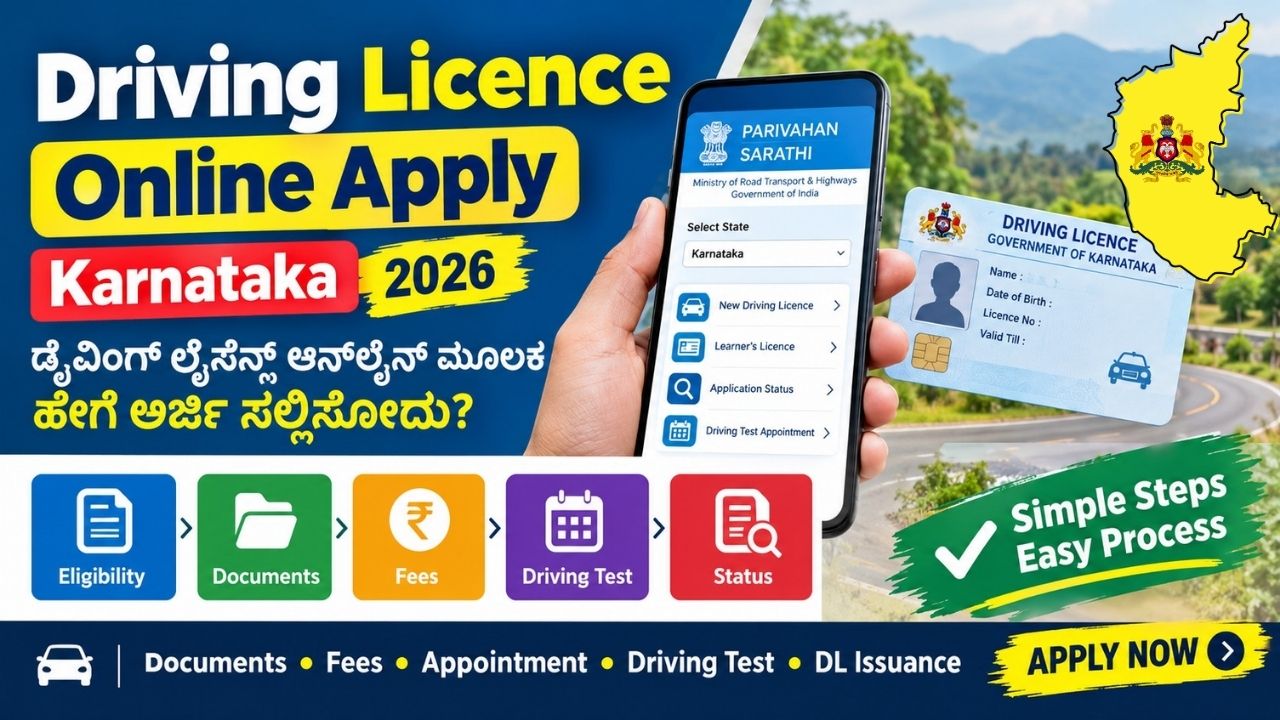
If you want to apply for a Driving Licence (DL) in Karnataka, you can complete many parts of the application process online through the Government of India’s Parivahan Sarathi portal. The online system allows applicants to submit their details, pay applicable fees, book appointments and check application status.
For a new permanent Driving Licence, an applicant generally needs to obtain a Learner’s Licence (LL) first. After holding the valid Learner’s Licence for the required period, the applicant can apply for the Driving Licence test. The official guidance states that an applicant with a valid Learner’s Licence for at least 30 days can appear for the driving competence test.

Driving Licence Online Apply Karnataka – Overview
| Details | Information |
|---|---|
| Service | New Driving Licence |
| State | Karnataka |
| Application Mode | Online + RTO/Test where required |
| Official Portal | Parivahan Sarathi |
| First Step | Learner’s Licence |
| DL Test | Required for a new permanent DL |
| Application Status | Available online |
| Department | Ministry of Road Transport and Highways |
How to Apply for Driving Licence Online in Karnataka
Follow these steps to apply for a new Driving Licence in Karnataka.
Step 1: Visit the Official Parivahan Website
Go to the official Parivahan Sarathi website and select the state as Karnataka.
The Sarathi system is the Government’s online platform for various Learner’s Licence and Driving Licence services.
Step 2: Select Driving Licence Services
After selecting Karnataka, choose the appropriate Driving Licence service.
For a new Driving Licence, select the option related to New Driving Licence.
Step 3: Enter Learner’s Licence Details
For a new permanent Driving Licence, you will generally need a valid Learner’s Licence.
Enter the requested details such as:
- Learner’s Licence number
- Date of birth
- Other required personal information
Step 4: Fill in the Application Form
Enter your personal and address details carefully.
You may be asked to provide information such as:
- Full name
- Date of birth
- Address
- Mobile number
- Learner’s Licence details
- Vehicle class
- Other required information
Make sure the information matches your supporting documents.
Step 5: Upload Documents
Depending on the service and verification method available for your application, you may need to upload or submit the required documents.
Commonly required documents can include:
- Age proof
- Address proof
- Learner’s Licence
- Passport-size photograph, where applicable
- Medical certificate, where applicable
- Other documents requested by the licensing authority
The exact requirements can vary according to the applicant and type of licence.
Step 6: Pay the Applicable Fee
Pay the required Driving Licence application fee through the available online payment option.
Keep the payment receipt or transaction details for future reference.
Step 7: Book Driving Test Appointment
After completing the application and payment process, select an available appointment/slot for the Driving Licence test where required.
The official Parivahan guidance provides online appointment/slot facilities for driving licence tests in applicable locations.
Step 8: Attend the Driving Test
Visit the concerned RTO on the scheduled date with the required documents and an appropriate vehicle for the test.
During the test, the applicant must demonstrate the ability to drive and perform the required driving tasks.
Step 9: Driving Licence Issuance
If you successfully pass the competence test, the Driving Licence can be issued through the licensing authority. Government guidance states that the licence is sent to the address provided by the applicant after successful completion of the test.
Eligibility for a New Driving Licence
Before applying for a permanent Driving Licence, applicants should meet the applicable legal requirements for the vehicle category.
For a standard new Driving Licence application:
- You should have a valid Learner’s Licence.
- The required Learner’s Licence period must be completed.
- You must pass the applicable driving competence test.
- You must provide the required information and documents.
- You must pay the applicable government fees.
For the permanent licence test, the official Parivahan guidance specifies that a valid Learner’s Licence must generally have been held for at least 30 days.
Documents Required for Driving Licence in Karnataka
The documents required can depend on the applicant and service. Applicants should check the requirements displayed on the official Sarathi portal during the application.
Possible documents include:
- Learner’s Licence
- Proof of age
- Proof of address
- Passport-size photograph, if required
- Medical certificate, where applicable
- Application/payment receipt
- Other documents requested by the RTO
Driving Licence Application Status Karnataka
After submitting your application, you can check its status online through the Parivahan/Sarathi system.
Keep your application number and other relevant details safely because they may be required to track your application.
The online system provides various Driving Licence-related services and application facilities.
Important Things to Remember
- Apply only through the official Parivahan/Sarathi portal.
- Enter your name, date of birth and address correctly.
- Keep your Learner’s Licence details ready.
- Save your application number.
- Save the online payment receipt.
- Attend the driving test on the scheduled date.
- Carry the required documents to the RTO.
- Check the application status after submitting your application.
- Avoid sharing OTPs, passwords or sensitive information with unknown persons.
Official Driving Licence Application Website
Applicants in Karnataka can use the Government of India’s Parivahan/Sarathi portal for Driving Licence-related online services.
Official Portal:
Parivahan – Government Transport Services
Sarathi Driving Licence Portal:
Sarathi Parivahan
Frequently Asked Questions
Can I apply for a Driving Licence online in Karnataka?
Yes. Many parts of the Driving Licence application process can be completed online through the Parivahan Sarathi portal. Depending on the service, you may still need to visit the RTO for document verification, biometric requirements or the driving test.
Is Learner’s Licence required for a permanent Driving Licence?
Generally, yes. A valid Learner’s Licence is required before applying for a new permanent Driving Licence. The official guidance states that the applicant must have held the Learner’s Licence for at least 30 days before appearing for the competence test.
Is a driving test required?
For a new permanent Driving Licence, the applicant must generally pass the applicable driving competence test.
Can I check my DL application status online?
Yes. You can use the Parivahan/Sarathi online services to check the status of your Driving Licence application.
Can I apply without visiting the RTO?
The initial application and several related steps can be completed online. However, whether an RTO visit is required depends on the service, verification method and instructions generated for your application.
Conclusion
Applying for a Driving Licence online in Karnataka is easier because the Parivahan Sarathi system allows applicants to complete several application steps online. First obtain the required Learner’s Licence, complete the online Driving Licence application, pay the applicable fee, book the test and attend the RTO driving test as instructed.
Always use the official Parivahan/Sarathi portal and follow the instructions shown for your particular application.