
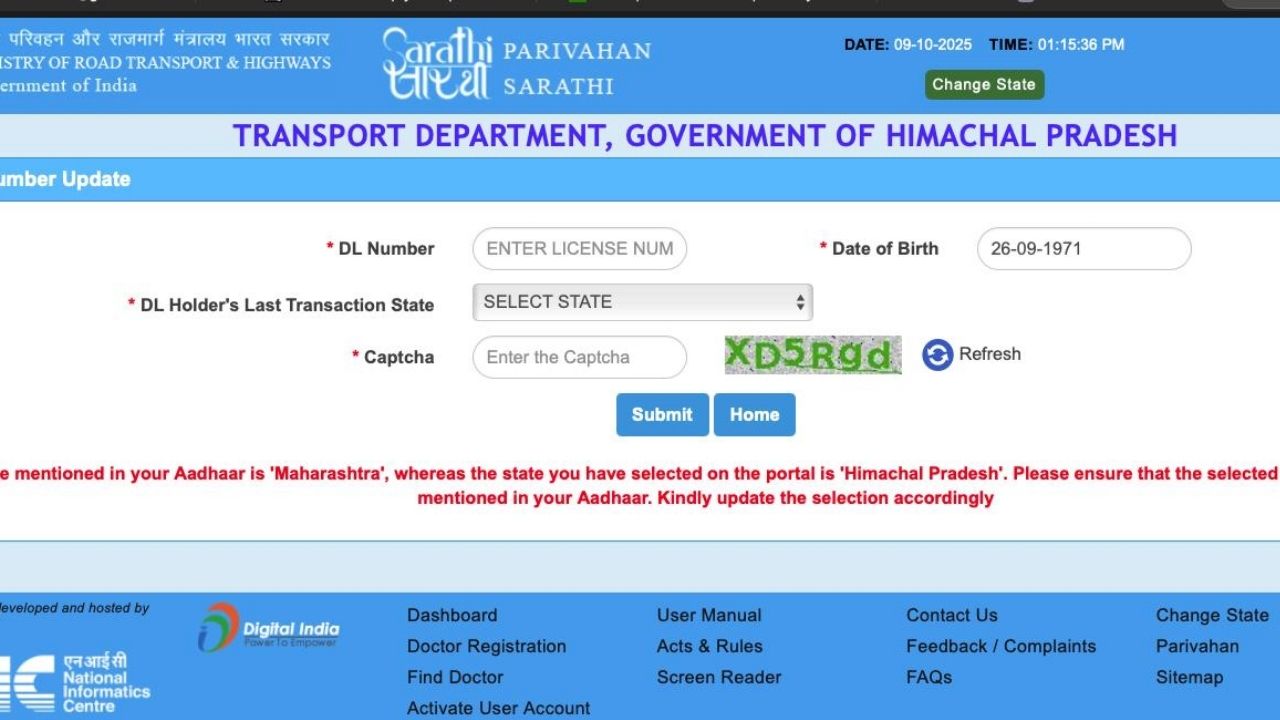
If your mobile number has changed or the old number is no longer active, you can update your mobile number in the Parivahan portal online. The Ministry of Road Transport and Highways (MoRTH) provides online facilities through VAHAN for vehicle-related services and Sarathi for driving licence-related services.
Keeping your mobile number updated can help you receive OTPs and service-related communications and keep your transport records up to date. The official Parivahan portal specifically provides an online facility for driving licence holders and registered vehicle owners to update their mobile numbers without necessarily visiting an RTO.
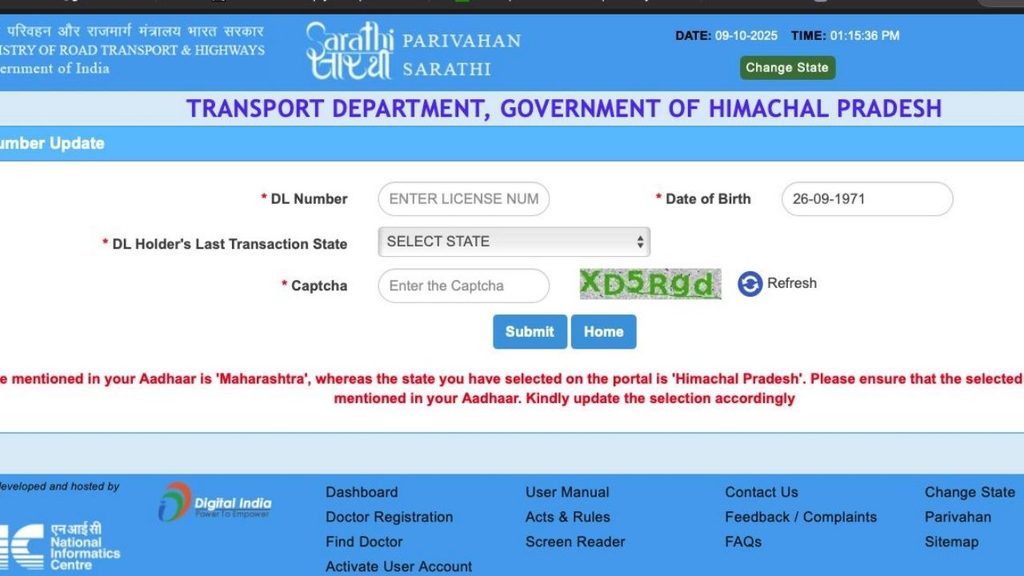
Parivahan Mobile Number Update – Overview
| Details | Information |
|---|---|
| Service Name | Parivahan Mobile Number Update |
| Portal | Parivahan / VAHAN / Sarathi |
| Available For | Vehicle Owners & Driving Licence Holders |
| Service Type | Online |
| OTP Required | Yes |
| Department | Ministry of Road Transport & Highways |
| Website | Parivahan.gov.in |
| RTO Visit | Generally not required for the online update |
Why Should You Update Your Mobile Number?
It is important to keep the mobile number associated with your transport records current. An updated number can be useful when accessing online transport services that require OTP verification.
You should consider updating your number if:
- You have permanently changed your mobile number.
- Your old SIM is no longer active.
- You are not receiving OTPs on your registered number.
- You purchased a second-hand vehicle and need to update the contact number.
- Your mobile number in VAHAN records is incorrect.
- You want your vehicle records to have your current contact details.
How to Update Mobile Number in Parivahan for Vehicle / RC
Vehicle owners can update their mobile number through the VAHAN service.
Step 1: Open the Official Parivahan Website
Visit the official Parivahan website:
Look for the Vehicle Related Services / VAHAN option.
Step 2: Select Vehicle Related Services
Open the VAHAN vehicle services section and select the state where your vehicle is registered.
The VAHAN portal provides services related to vehicle registration, tax, permits and other vehicle-related transactions.
Step 3: Login or Enter the Required Vehicle Details
Depending on the service and portal flow, you may need to log in or provide the requested vehicle information.
Keep your vehicle registration number and other required details ready.
Step 4: Find the Mobile Number Update Option
Look for the Update Mobile Number option.
The official VAHAN user manual describes a mobile-number update process through the user’s profile. It instructs users to log in, open My Profile, select Update Mobile Number, enter the new number and generate an OTP.
Step 5: Enter Your New Mobile Number
Enter the mobile number that you currently use.
Make sure the number is entered correctly because the OTP will be sent to the new mobile number.
Step 6: Verify With OTP
Click Generate OTP.
An OTP will be sent to the new mobile number. Enter the OTP in the required field and submit it.
According to the official VAHAN manual, successful OTP verification completes the mobile-number update and a success message is displayed.
How to Update Mobile Number for Driving Licence
If you want to update the mobile number associated with your Driving Licence, use the Sarathi Parivahan portal.
Open the official Sarathi portal:
Sarathi Parivahan Official Portal
Select your state and look for the appropriate Driving Licence service. The Parivahan system provides separate VAHAN and Sarathi facilities for vehicle and driving-licence records respectively.
General Process
- Open the Sarathi Parivahan website.
- Select your state.
- Choose the appropriate Driving Licence service.
- Enter the required licence/application details.
- Select the mobile-number update option where available.
- Enter your new mobile number.
- Generate the OTP.
- Enter the OTP received on your mobile.
- Submit the request.
- Check for the confirmation message.
The exact options displayed can vary depending on the state and available services.
Can I Update My Mobile Number Without Visiting the RTO?
In many cases, yes. The official Parivahan portal states that an online facility is available for driving licence holders and registered vehicle owners to update their mobile numbers without visiting an RTO.
However, online services can vary by state, vehicle record and the specific transaction. If the online facility is unavailable for your record, you may need to contact the concerned transport office.
What Details Should You Keep Ready?
Before starting the process, keep the following information available:
- Vehicle Registration Number
- Driving Licence Number, if updating DL details
- Chassis-related information where requested
- Current mobile number
- New mobile number
- OTP-enabled mobile phone
- Other identity or vehicle details requested by the portal
Do not share your OTP with anyone.
What If I Do Not Receive the OTP?
If you do not receive the OTP, check the following:
- Confirm that the mobile number is entered correctly.
- Check your mobile network.
- Wait for a short time and use the resend OTP option if available.
- Make sure SMS services are working on your phone.
- Try again later if the portal is temporarily unavailable.
If the problem continues, use the official Parivahan helpdesk.
For vehicle-related technical issues, the Parivahan contact page lists [email protected] and phone +91-120-4925505. For licence-related technical issues, it lists [email protected] and phone +91-120-2459169; the listed phone timings are 6:00 AM to 10:00 PM.
Important Points About Parivahan Mobile Number Update
- Use only the official Parivahan/VAHAN/Sarathi websites.
- Make sure your new mobile number is active.
- OTP verification may be required.
- Do not share OTPs with agents or unknown persons.
- The available services can differ between states.
- If an online update is not available for your record, contact the concerned RTO.
- Always verify that the mobile number was successfully updated.
VAHAN vs Sarathi: Which Portal Should You Use?
| Requirement | Portal |
|---|---|
| Vehicle / RC mobile number | VAHAN |
| Vehicle registration services | VAHAN |
| Driving Licence services | Sarathi |
| Learner Licence services | Sarathi |
| Vehicle-related technical support | VAHAN Helpdesk |
| Driving Licence technical support | Sarathi Helpdesk |
Frequently Asked Questions
1. How can I update my mobile number in Parivahan?
You can use the online VAHAN or Sarathi facility depending on whether you want to update your vehicle/RC or Driving Licence record. Follow the portal instructions and complete OTP verification where required.
2. Is Parivahan mobile number update free?
The mobile-number update facility itself may be available online without a separate fee, but some other vehicle or licence services may have applicable government charges. Check the fee displayed by the portal before submitting any transaction.
3. Can I update the mobile number linked to my vehicle online?
Yes. Parivahan provides an online facility for registered vehicle owners to update their mobile number.
4. Can I update my Driving Licence mobile number online?
Yes, the Parivahan system provides online facilities for driving licence holders, although the exact service flow can depend on the state and record.
5. Do I need to visit the RTO?
For supported online mobile-number updates, an RTO visit may not be required. If the service is unavailable for your record or an issue occurs, you may need assistance from the concerned transport office.
6. Is it safe to update my mobile number online?
Use only the official government Parivahan and Sarathi websites. Never provide your OTP to another person.
Conclusion
Updating your mobile number in Parivahan is useful for keeping your vehicle and Driving Licence records current. Vehicle owners can use VAHAN, while Driving Licence holders can use Sarathi. The official Parivahan system provides online mobile-number update facilities and OTP-based verification for supported services.
Always use the official Parivahan websites and carefully check the details before submitting your request.
1 thought on “Parivahan Update Mobile Number Online 2026 – VAHAN & Sarathi”