
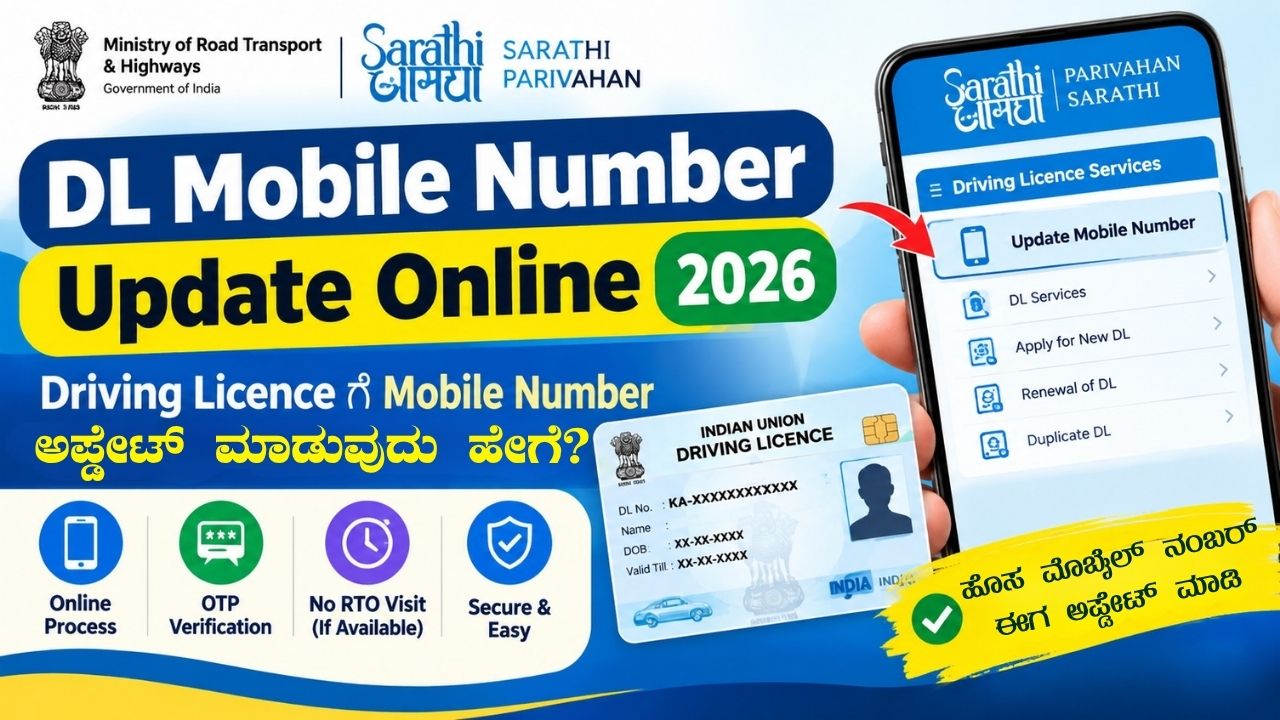
If your mobile number has changed and you want to update the new number in your Driving Licence (DL) records, you can use the Sarathi Parivahan online portal. The Ministry of Road Transport and Highways (MoRTH) provides online services for Driving Licence-related updates.
In this guide, we explain how to update your mobile number in your Driving Licence online, the documents or details required, OTP verification, and what to do if the online service is not available.
What is DL Mobile Number Update?
DL Mobile Number Update is the process of changing or adding your current mobile number to your Driving Licence records.
Keeping your mobile number updated can be useful for online Driving Licence services, verification and receiving transport-related communications where applicable.
DL Mobile Number Update Online – Overview
| Details | Information |
|---|---|
| Service | Driving Licence Mobile Number Update |
| Department | Ministry of Road Transport and Highways |
| Portal | Sarathi Parivahan |
| Mode | Online |
| Verification | OTP, where applicable |
| State | All supported states/UTs |
| Service Fee | Depends on the service/state, if applicable |
How to Update Mobile Number in Driving Licence Online
Follow the steps below to check and update your mobile number through the Sarathi Parivahan portal.
Step 1: Visit the Sarathi Parivahan Website
Open the official Sarathi Parivahan website using your mobile phone or computer.
Go to the Driving Licence services section.
Step 2: Select Your State
Select the state where your Driving Licence is registered.
For example, if your Driving Licence was issued in Karnataka, select Karnataka.
Step 3: Open Driving Licence Services
After selecting your state, look for the available Driving Licence-related services.
The options displayed can vary depending on the state and the services currently available on the portal.
Step 4: Select Mobile Number Update
Look for an option such as “Update Mobile Number” or a similar mobile-number-related service.
Select the appropriate option to continue.
Step 5: Enter Your Driving Licence Details
Enter the required information, such as:
- Driving Licence Number
- Date of Birth
- Other details requested by the portal
Make sure the information matches your Driving Licence records.
Step 6: Enter Your New Mobile Number
Enter the mobile number that you currently use.
Make sure the number is active and capable of receiving SMS messages.
Step 7: Complete OTP Verification
If OTP verification is required, an OTP will be sent to the mobile number entered during the process.
Enter the OTP on the portal and complete the verification.
Never share your OTP with anyone.
Step 8: Submit the Request
After completing the required verification, submit the request.
If the details are successfully verified, your mobile number may be updated in the Driving Licence records.
What Details Are Required for DL Mobile Number Update?
Before starting the process, keep the following information ready:
- Driving Licence Number
- Date of Birth
- New mobile number
- Mobile phone for OTP verification
- Internet connection
Depending on the state and service, the portal may request additional information.
Can I Update My DL Mobile Number Without Visiting the RTO?
In cases where the online mobile number update service is available for your Driving Licence, you may be able to complete the process online.
However, service availability and verification requirements can vary by state and individual Driving Licence record.
If the online process cannot be completed, you may need to contact the concerned RTO or transport authority.
What If I Do Not Have Access to My Old Mobile Number?
If you no longer have access to the mobile number previously linked with your Driving Licence, the available verification process may depend on your state and DL record.
Try the mobile number update service on Sarathi Parivahan first. If the portal does not allow you to complete the process, contact your concerned RTO or the official Parivahan support system for further assistance.
Benefits of Updating Your Mobile Number
Keeping your mobile number updated can help with:
- Online Driving Licence services
- OTP-based verification
- Transport-related online services
- Receiving relevant SMS notifications where applicable
- Maintaining updated contact information in your DL record
Important Things to Remember
Use the Official Website
Always use the official Sarathi Parivahan portal for Driving Licence services. Avoid websites or individuals asking for unnecessary personal information.
Keep Your Mobile Number Active
Use a mobile number that you regularly access so that you can receive OTPs and relevant communications.
Do Not Share OTP
Never share OTPs, passwords or other verification codes with anyone.
Check Your Details Carefully
Before submitting the request, verify your Driving Licence number, date of birth and mobile number.
Online Service Availability May Vary
The services available on the Sarathi portal can vary depending on the state/UT and the type of Driving Licence record.
Frequently Asked Questions
How can I update my mobile number in my Driving Licence?
You can check the Update Mobile Number service on the official Sarathi Parivahan portal, select your state and follow the instructions provided by the portal.
Is DL mobile number update available online?
Yes, an online mobile number update facility is available through Sarathi Parivahan for supported Driving Licence records and services.
Can I update my DL mobile number from my phone?
Yes. If the online service is available for your DL, you can access the Sarathi Parivahan portal using a smartphone with an internet connection.
Do I need to visit the RTO to update my mobile number?
Not necessarily. If the online service and required verification are available for your Driving Licence, the update can be completed online. Some cases may require additional RTO verification.
What should I do if OTP is not received?
Check that the mobile number is entered correctly, wait for a short time and try again. If the problem continues, check the instructions on the Sarathi portal or contact the concerned transport authority.
Is there a fee for updating the mobile number?
The applicable fee, if any, depends on the service and state. Check the amount shown on the official portal before submitting the request.
Conclusion
Updating the mobile number linked to your Driving Licence can be done online through the Sarathi Parivahan portal where the service is available. You generally need to provide your DL details, enter the new mobile number and complete the required verification.
Before submitting the request, make sure all information is correct and use only the official Parivahan website for the process.
WordPress SEO Settings
SEO Title:
DL Mobile Number Update Online 2026 – Change Mobile Number in Driving Licence
Meta Description:
Learn how to update your mobile number in Driving Licence online in 2026. Follow the Sarathi Parivahan DL mobile number update process, OTP verification and important details.
Focus Keyword:
DL Mobile Number Update Online
Secondary Keywords:
- DL Mobile Number Update
- Driving Licence Mobile Number Update
- Driving Licence Mobile Number Change
- DL Mobile Number Change Online
- Sarathi Parivahan Mobile Number Update
- Driving Licence Update Online
- Parivahan DL Mobile Number Update
URL Slug:dl-mobile-number-update-online
WordPress Tags:DL Mobile Number Update, Driving Licence, Driving Licence Update, Sarathi Parivahan, Parivahan, DL Services, Driving Licence Mobile Number Change, Driving Licence Online
Suggested Categories:
Technology / Government Services / Driving Licence